Windows Remote Desktop Services Licensing
Jump to navigation
Jump to search
Goals
Be sure to complete Windows Activation and restart before proceeding.
Activate the local RDS License server
Our local server will need to have the license server activated to serve the client access liceses
Register and activate Remote Desktop Liceses
Microsoft requires that you have Remote Desktop Service Client Access Licenses (RDS CALs) for any client that is connected to the server over a network.
Note, we need to install USER CALs, even though we bought DEVICE CALs. This is a requirement for Ncomputing's L300 client to operate properly.
Procedures
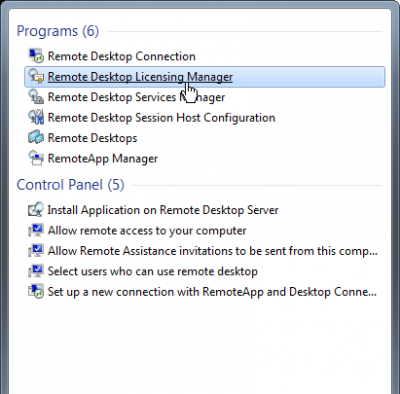
Open the RDS Licensing Manager
.png)
- On the start Menu select Remote Desktop Licensing Manager
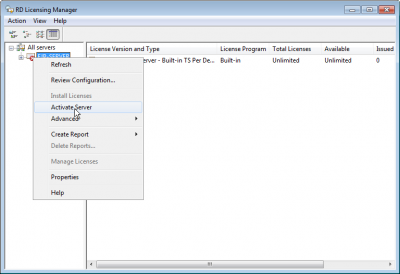
License server needs activation
.png)
- After we changed our product key, the licen server became deactivated
- Right click on the server and select Activate
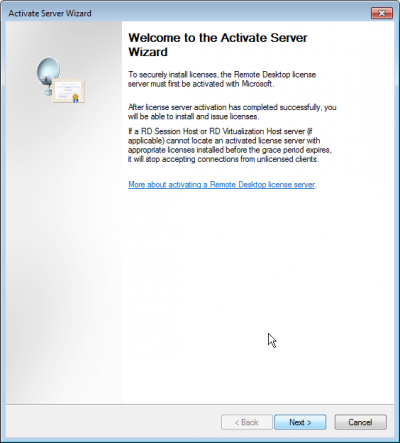
Start the wizard
.png)
- Next
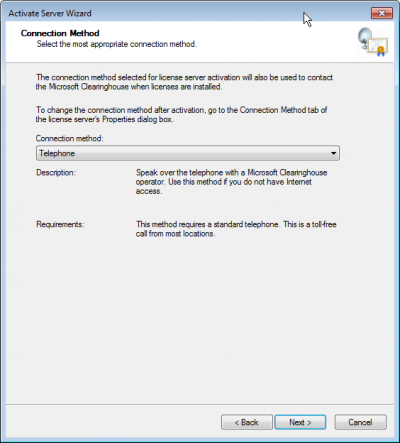
Select activation type
.png)
- If you have Internet access , then you probably want to do that, otherwise proceed with the remainder of the phone instructions
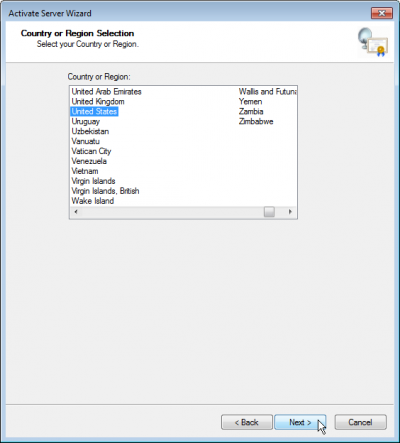
Select a country
.png)
- The phone activation needs to offer you a phone number
- Select United States
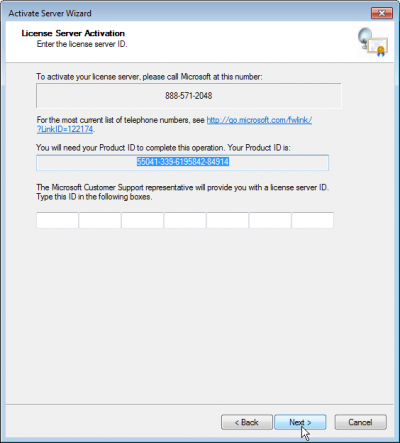
Call for activation
.png)
- Call 888-571-2048
- Give them the Product ID
- Enter the code when they have it ready
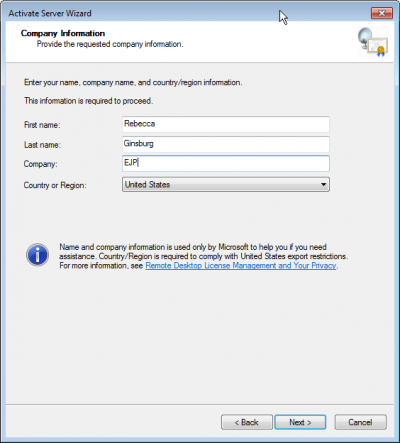
Fill in some company details
.png)
- This data is not important
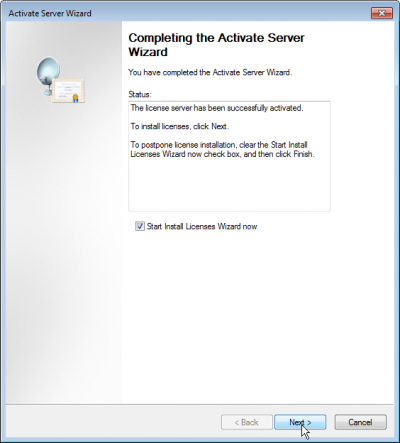
Done, now start licenses wizard
.png)
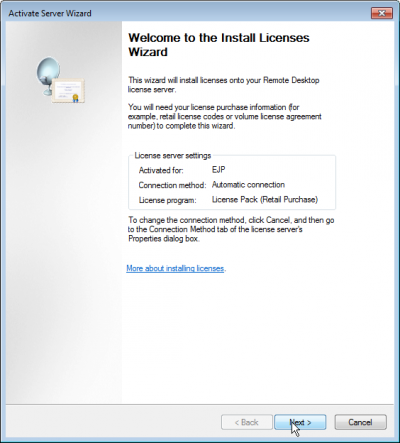
- Now that we are Done with the License Server Activation, now we can begin the Licenses Wizard for the RDS CALs
CAL License install wizard
.png)
- We did the Internet Activation before so we aren't seeing the telephone option, but it exists
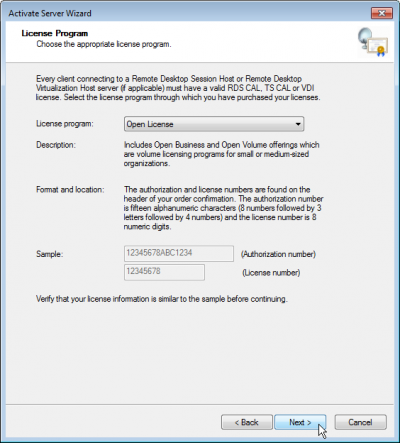
Select License type
.png)
- We are using Open Licenses
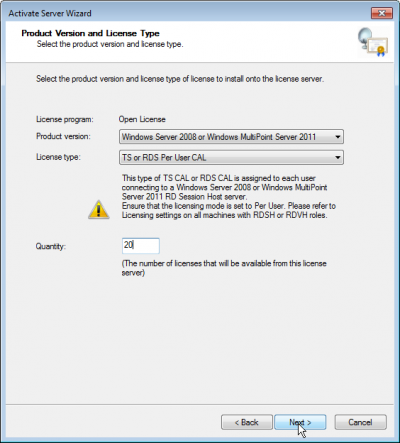
Specify Versions
.png)
- We want Windows 2008 or Multipoint 2011
- License type is RDS per User CAL
- QTY is 20
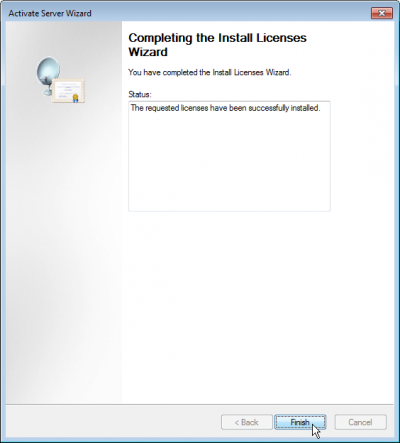
Done
.png)
- All done with windows Licensing