Running Programs as Administrator
Jump to navigation
Jump to search
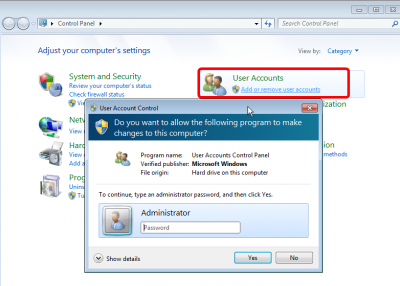
As a security precaution, all users have non-privileged accounts. There will be times that you want to perform an operation as administrator. You can do this is you have know the administrator password.
Running a program as Administrator
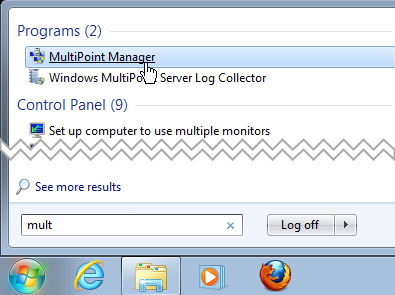
Identify the Application you want to run
.png)
- There are of course lots of way to find an application, but the start menu is the most common
- Search for the application
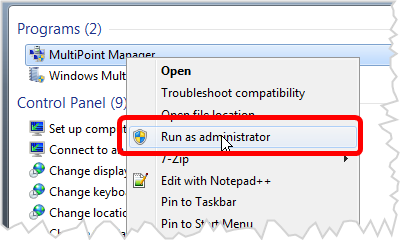
Right-click, Run as Administrator
.png)
- Right click on the shortcut you want to run
- Select Run as Administrator
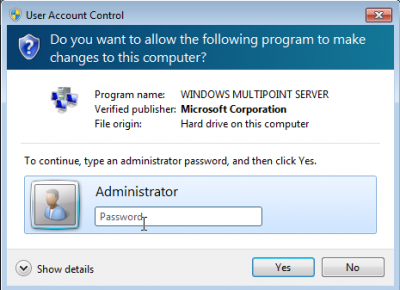
Enter the password
.png)
- You will be prompted to enter the administrator password
Prompted For password to continue
.png)
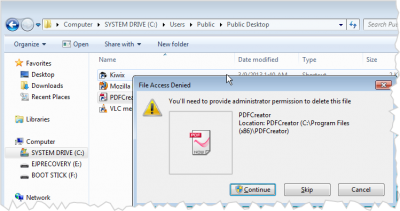
Some operations will prompt you to confirm what you are doing. Pictured here is an attempt to delete a shortcut from the public desktop

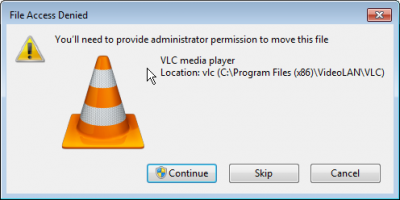
Here is another example of trying to move a file
Controlled Programs with a shield icon

Some applications and shortcuts will have a shield icon that you will need to supply the admin password to proceed