Microsoft Office
Jump to navigation
Jump to search


Installation
Open the isntaller

- Open the setup.exe
- Do not open setup.bat
- This is for KMS install, we are doing MAK. See Change Office Product Key
Accept the license

- Accept the license
- Press Continue
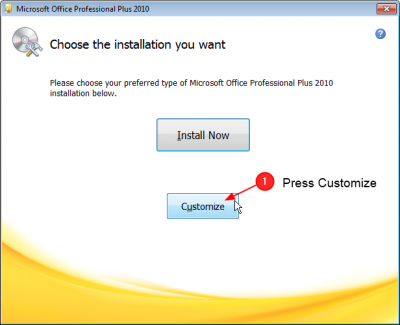
Customize Install

- Select Customize'
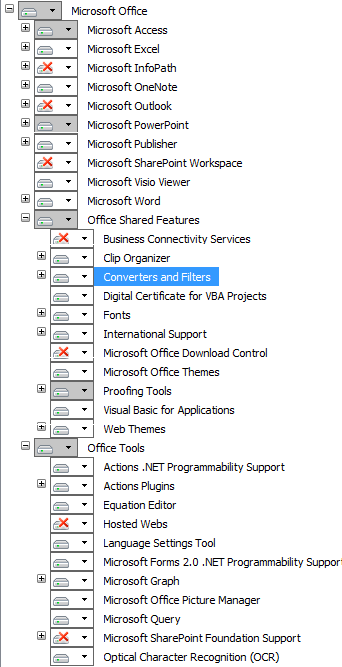
Unselect the following components

- Remove these components
- Microsoft InfoPath
- Microsoft Outlook
- Microsoft SharePoint Workspace
- Office Shared Features
- Business Connectivity Services
- Microsoft Office Download Control
- Office Tools
- Hosted Webs
- Microsoft Sharepoint Foundation Support
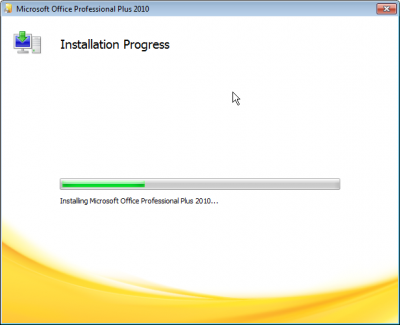
- When done, press Install Now
Wait for the install
