HP P1606dn Driver install
Jump to navigation
Jump to search
Goals
Install the printer to the server
We' configured the the printer for network access in HP P1606dn Printer Setup. Now we'll add it to the server
Procedures
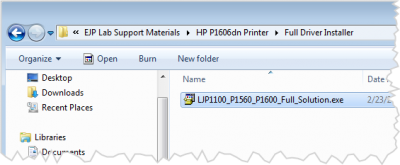
Run the installer
.png)
- Should be located on the Recovery drive
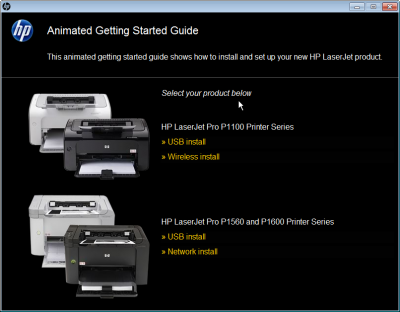
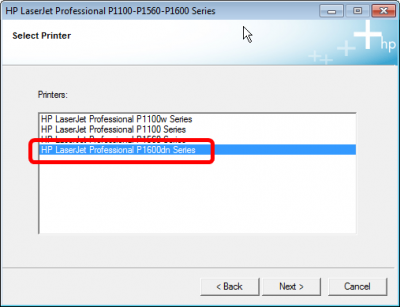
Select P1600
.png)
- Select the P1600 series
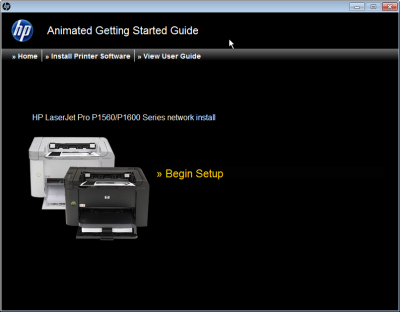
Begin setup
.png)
- next
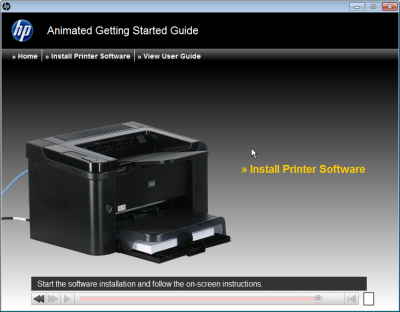
Watch the animations if you like
.png)
- This shows you a bunch of videos
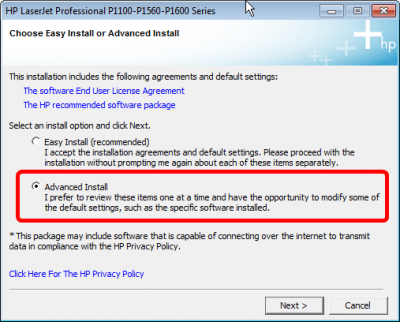
Choose Advanced install
.png)
- Select Advanced Install
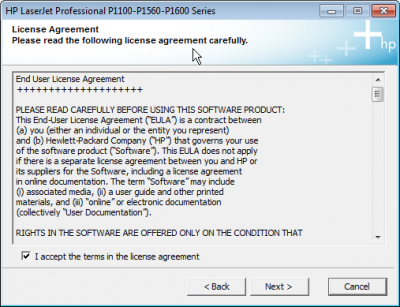
Acctept the License
.png)
- Accept the licence
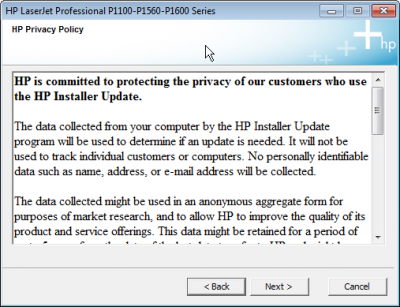
Accept the privacy Policy
.png)
- Accept the privacy Policy
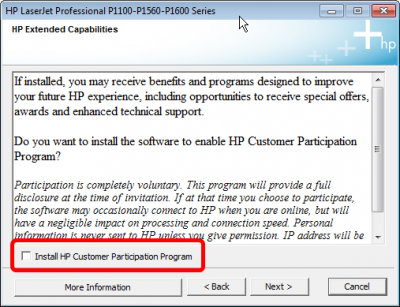
Do not join the Customer participation program
.png)
- uncheck the customer participation program box
Select printer model
.png)
- Select the P1600dn'
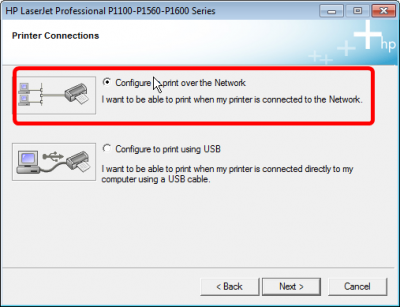
Choose Netowrk install
.png)
- We will configure the printer over the network
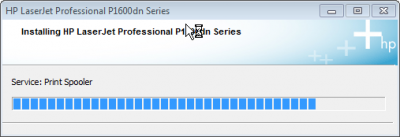
Wait for install
.png)
- Drivers are installing....
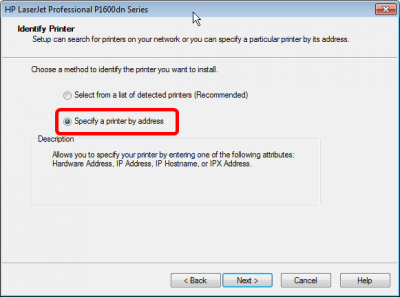
Specify Printer by address
.png)
- Specify Printer by address
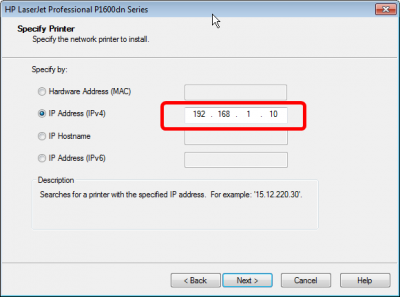
Enter the IP address
.png)
- Enter the printer ip: 192.168.1.10
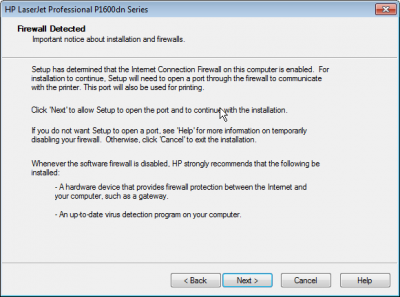
Firewall detected
.png)
- Thats fine, hit next
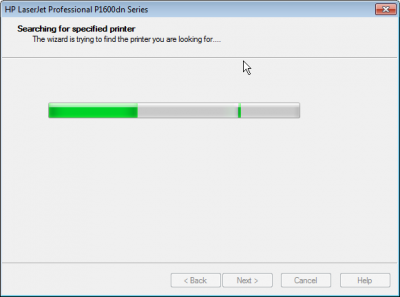
Wait for printer discovery
.png)
- Should find it right away
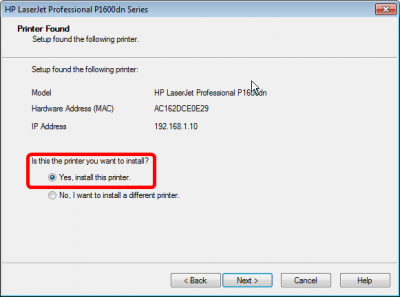
Printer found
.png)
- Yes install this printer
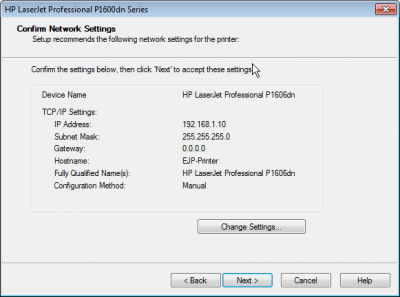
Confirm network settings
.png)
- Verify that the network settings look right
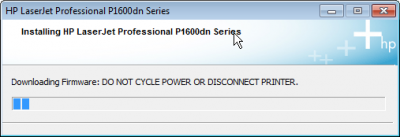
Firmware update
.png)
- The installer may performa firmware update
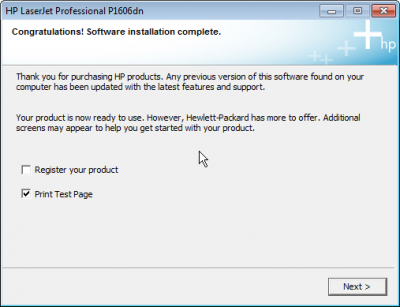
Alsmost done
.png)
- Sure, print a test page
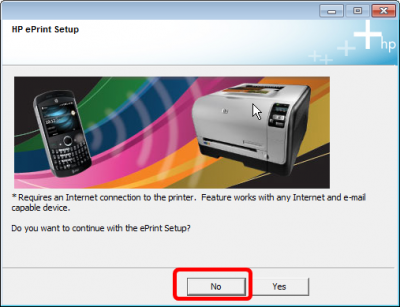
Say no to Eprint
.png)
- We don't have Internet, so Say no to ePrint
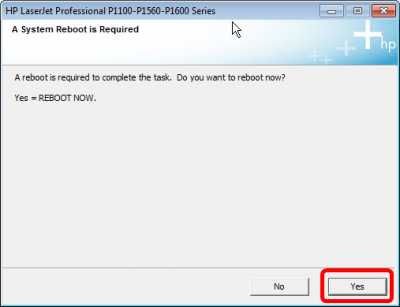
Reboot
.png)
- Now reboot to load the drivers