BIOS Enable SATA RAID
Jump to navigation
Jump to search

Goals
Enable the SATA RAID controller
The default setting is to tell the SATA controller to operate in Legacy mode. This is done for borader operating system compatibility. If we were using a traditional SATA disk configuration, then we would at least want to set this to AHCI. However, we are interested in protecting our Operating system volume with a mirror set. We need to enable the RAID feature of the sata controller for that.
Procedure
Enter the BIOS Setup
.png)
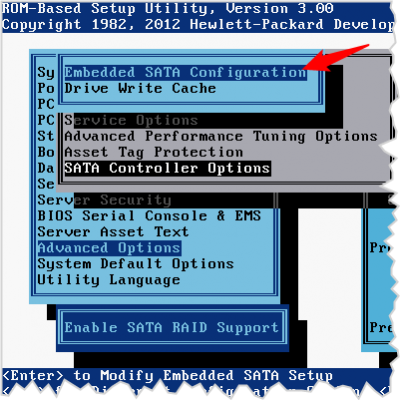
- Advanced Options
- SATA Controller Options
- Embedded SATA Configuration'
Ignore the warning

- This warning is telling you that if you switch to RAID from something else, tha you will lose all your existing data
- Also advised that you research your operating system to determine if AHCI would be useful to you. (All modern operating system will support AHCI)
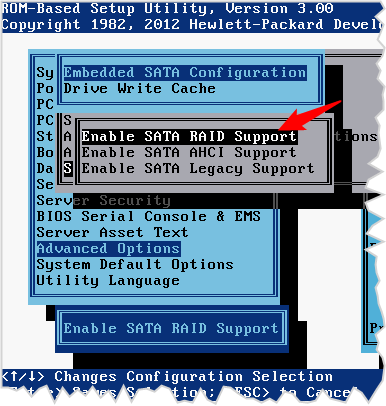
Enable SATA RAID
.png)
- Enable SATA RAID