Windows Server Backup Feature Install
Jump to navigation
Jump to search
.png)
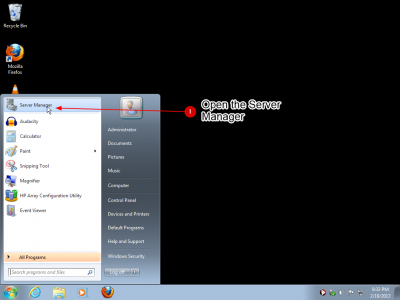
- Open the Server Manager by selecting the shortcut that may pinned to the Start menu. You may also ahve this pinned to the taskbar or can find it by startying to type the name into the search box.
.png)
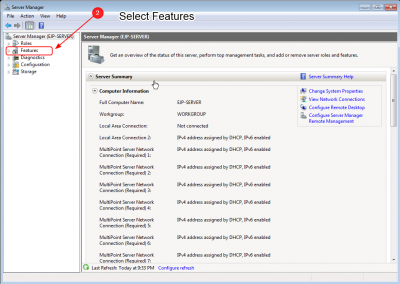
- Once the Server Manager is open you can highlight the Features panel
.png)
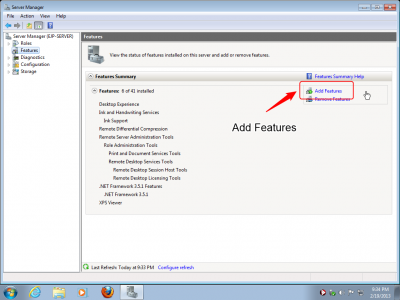
- The Features Panel show the currently installed features and has a link to add more.
- Click on Add Features
.png)
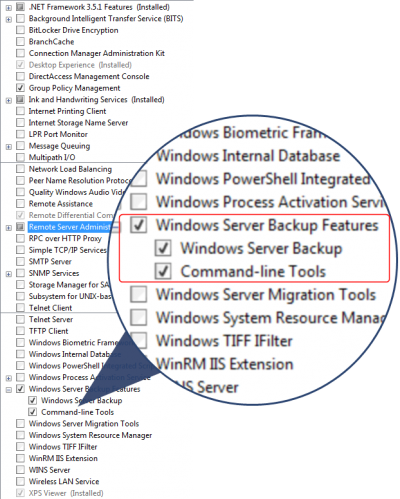
- This next page will present a ling list of features that will not fit on your screen
- The features are sorted alphabetically
- Scroll down to the botton of the list
- Select Windows Backup Server Features
- After you made your selection press Next
.png)
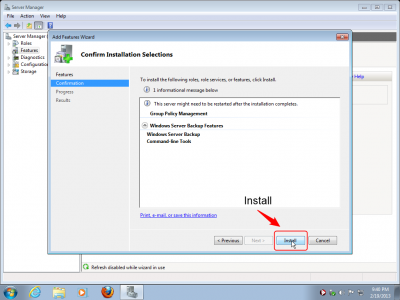
- This page will review the pending changes, and ask you to confirm
- Click Install
.png)
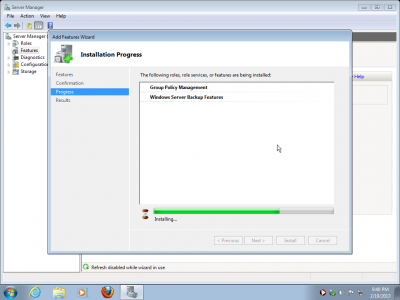
- The feature installation should now be in progress. When it is complete the Backup feature should be ready to use.