R Language
Jump to navigation
Jump to search
Summary
Homepage: http://cran.r-project.org/bin/windows/base/
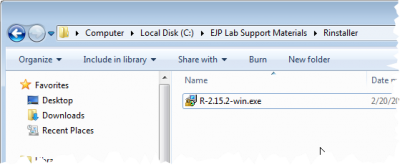
Installer: R-2.15.2-win.exe
License: GPLv2 License
R is a free software environment for statistical computing and graphics.
There is a great deal of built-in documentation. Please do explore the help options in the tool.
Installation Procedure
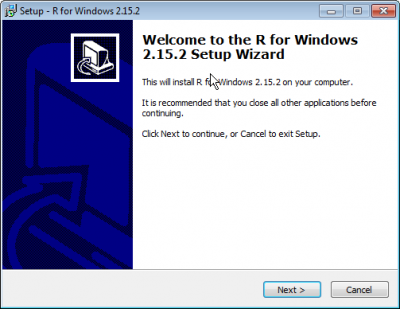
Start the Installer


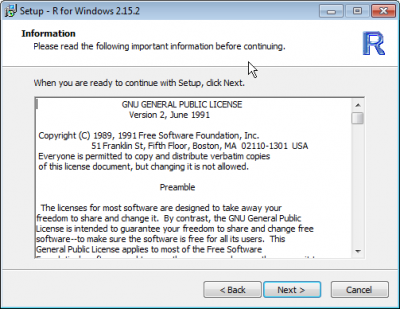
Accept the License

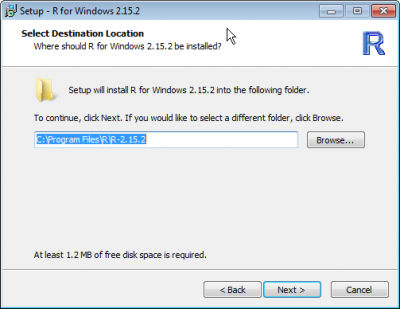
Accept the Default Location

- We'll go ahead and install both versions, so Program Files is good enough
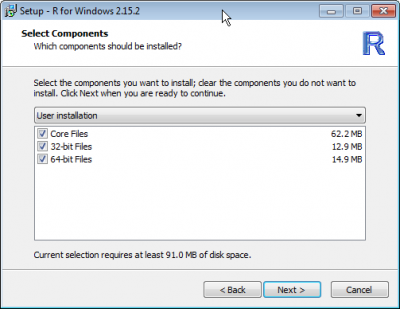
Accept both 32-bit and 64-bit

- We didn't study this program long enough to know if this will matter, so go ahead and
install both versions
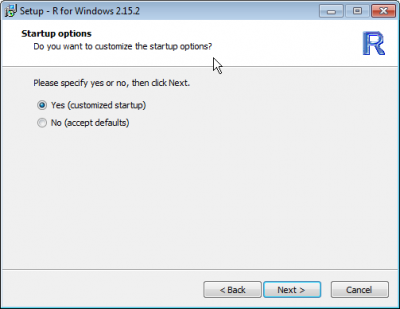
Select Customized Install

- We want to make a small change, so we need to start the customized installer
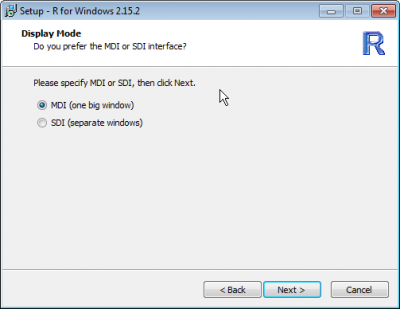
Select Default Display Mode

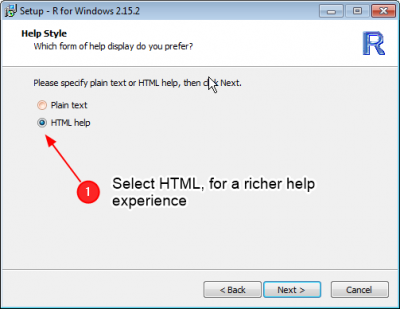
Select HTML Help

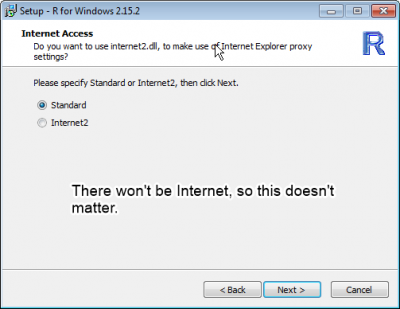
Select Default Internet Library

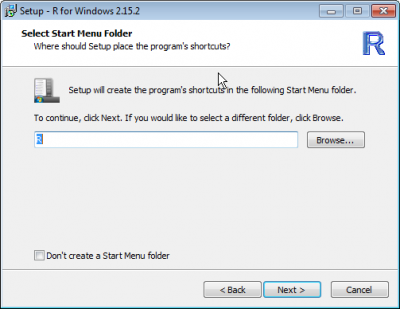
Select Default Start Menu Location

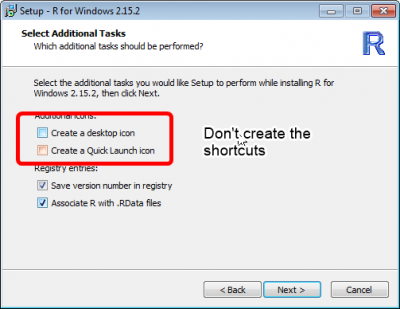
Don't create the shortcuts

- These will rarely be used, and just end up being a distraction
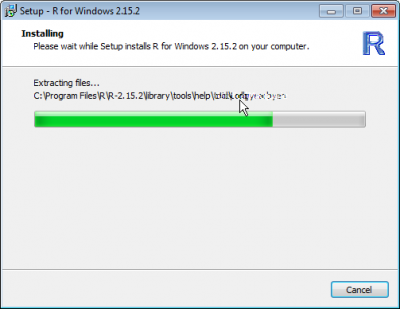
Done
