Python
Jump to navigation
Jump to search
License: PSF LICENSE AGREEMENT FOR PYTHON 2.7.3, Enthought Python Distribution License
Note: all python installers are the 32-bit version
Note: If enthought is not a reasonable choice in the future, another distribution is Anaconda
Goals
Install the Enthought Distribution
The Academic Enthough Distribution has lots of math and science package built in. It saves us from gathring them all ourselves
Install Vpython
Replace the wx that came with enthoguht
Upgrade Ipython
Install mathjax for Ipython
- Ipython needs another package called Mathjax to help it display mathematical notation in the web browser
- When Ipython starts up it will look for it. If it doesn't find it then it tried to look it up on the Internet
Enthought Python Distribution Installation
This process is a little non-standard, so please do pay attention.
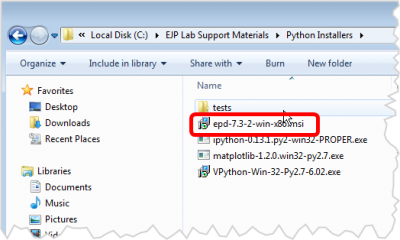
Start the Enthought Installer
.png)
- The file should be epd-7.3-2-win-x86.msi
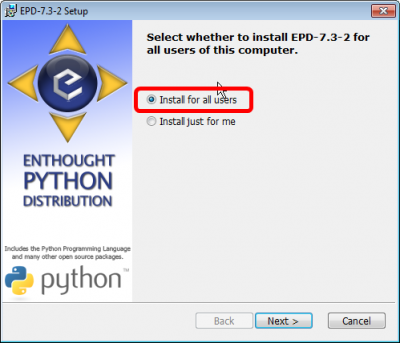
Install for All users
.png)
- Select All users
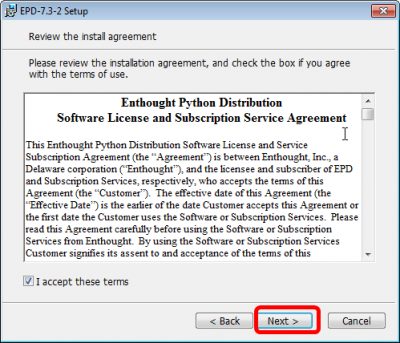
Accept the License
.png)
- Accept the License
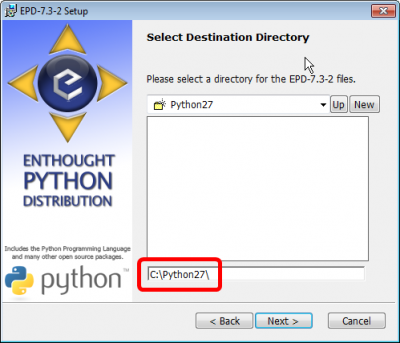
Verify default python
.png)
- Verify that the install location is C:\Python27
- This will be come the default python for the system
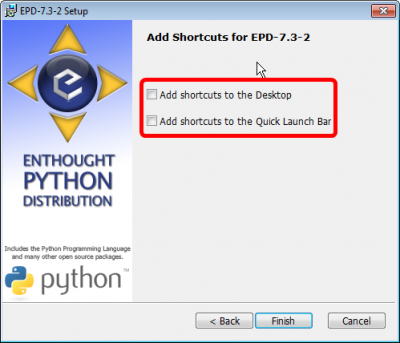
Don't create shortcuts
.png)
- Uncheck the shortcuts
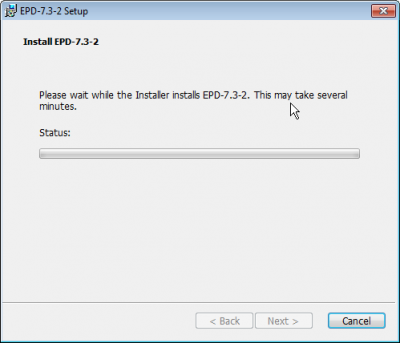
Wait for Install
.png)
- Install should proceed...
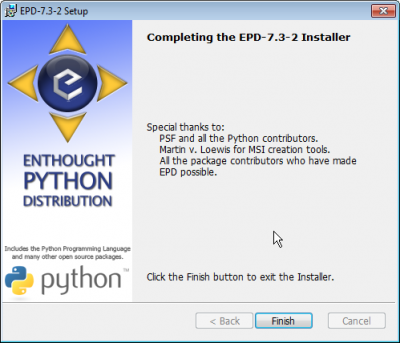
Done
.png)
- Installation complete
Ipython Install
Enthought has an ipython with it, but we need to replace it to be compatible with vpython
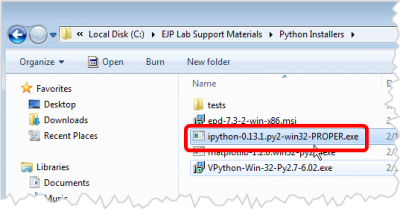
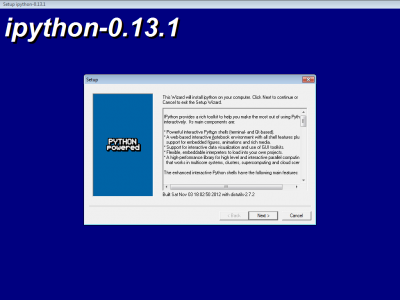
Start the Ipython installer
.png)
- The file should be ipython-0.13.1.py2-win32-PROPER.exe
Next
.png)
- click Next
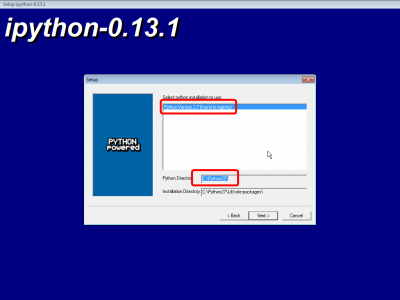
Verify the default Python
.png)
- It should automatically detect the python we installed to C:\Python27
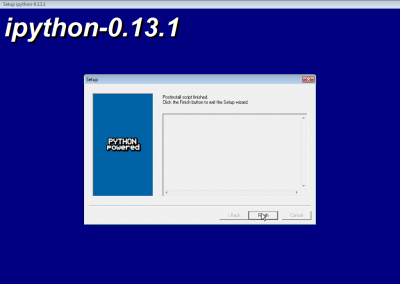
Done
.png)
- Done
MatplotLib Install
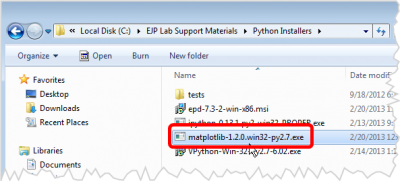
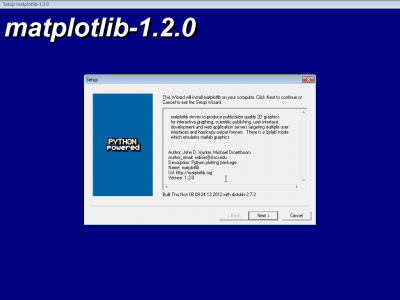
Start the Matploitlib
.png)
- The file should be matplotlib-1.20.win32-py2.7.exe
Next
.png)
- click Next
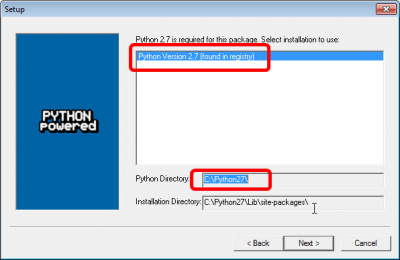
Verify the default Python
.png)
- It should automatically detect the python we isntalled to C:\Python27
Vpython Install
This wil deliver WX 2.9, see later step
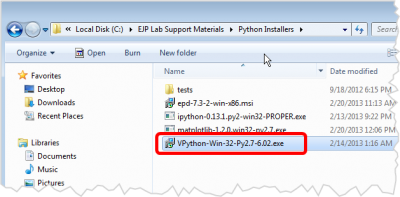
Start the Vpython installer
.png)
- VPython-Win-32-Py2.7-6.02.exe
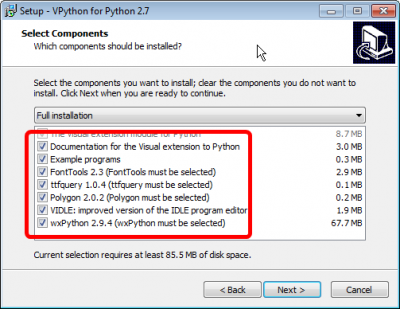
Select All components
.png)
- Select all components
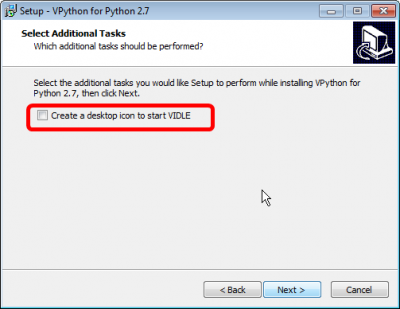
Don't create shortcut
.png)
- Uncheck create desktop shortcut
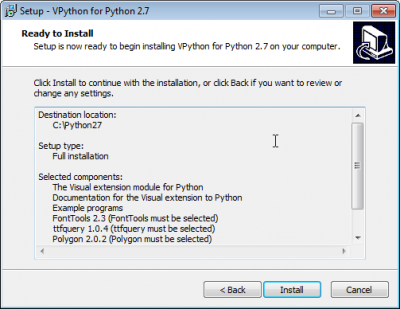
Next
.png)
- Next
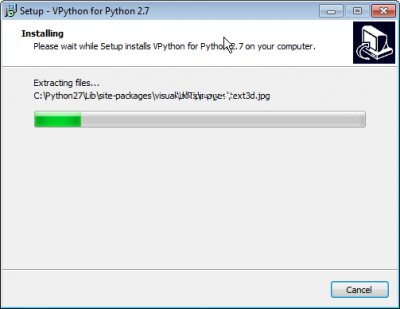
Next
.png)
- Next
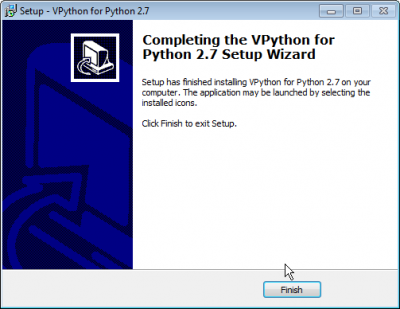
Finished
.png)
- Done
THIS IS WHERE IT GETS COMPLICATED
We need to overwrite the version of wx that came with enthought with the version that came with vpython
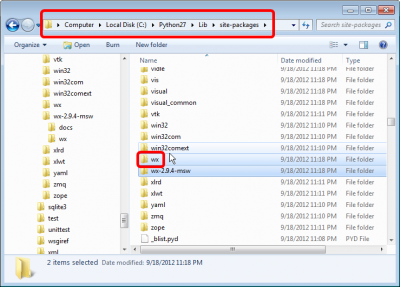
Locate the old wx
.png)
- There is a wx folder in C:\Python27\Lib\site-packages
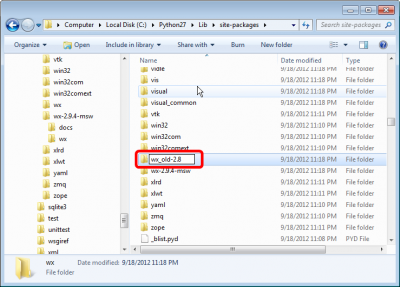
Rename the old wx
.png)
- Rename this folder to be wx_old-2.8
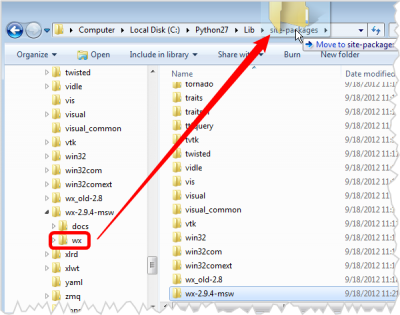
Copy the new wx to site-packages
.png)
- Copy the wx folder from C:\Python27\Lib\site-packages\wx-2.9.4-msq to C:\Python27\Lib\site-packages
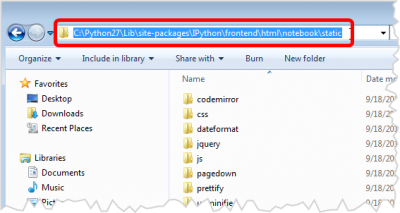
Locate the Ipython Notebook static folder
.png)
- The full path should be c:\python27\Lib\site-packages\IPython\frontend\html\notebook\static folder
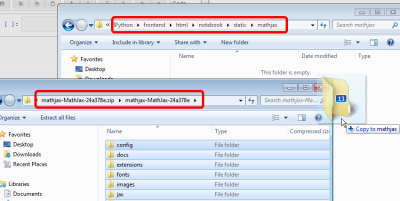
Create a mathjax folder
.png)
- Create a new folder there called mathjax
Copy the contents of the mathjax zip
- Copy the contents of the mathjax zip to that new folder
- mathjax may take while to unpack, there are 30,000 small files in there.