Network Monitor
Jump to navigation
Jump to search
Overview
| Downlaod | http://www.microsoft.com/en-us/download/details.aspx?id=4865 |
| Installer | NM34_x64.exe
|
Network Monitor 3.4 is a protocol analyzer. It allows you to capture network traffic and view and analyze it. Microsoft is working on its successor, Microsoft Message Analyzer, and is making beta copies of that available from our Connect site. If you join that beta program you can try out Message Analyzer and provide feedback on it.

Installation
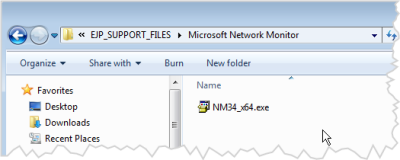
Start the isntaller
.png)
- Should be in Microsoft Network Monitor on the Recovery Drive
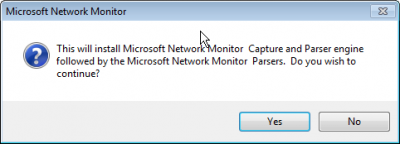
Install app and parsers
.png)
- This installer will isntall the tool itself as well as a set of parsers that will decode network packets
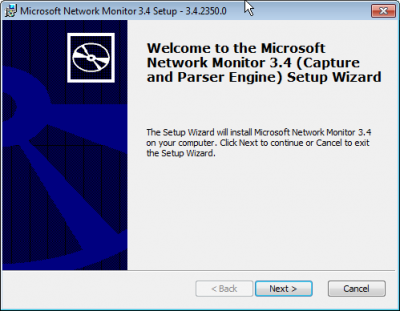
Next
.png)
- Next
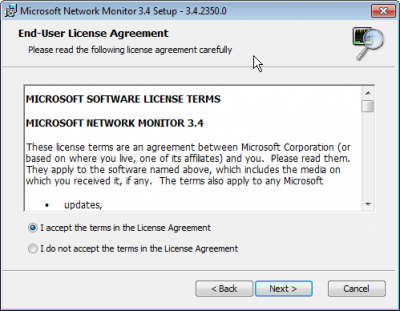
Accept License
.png)
- Accept
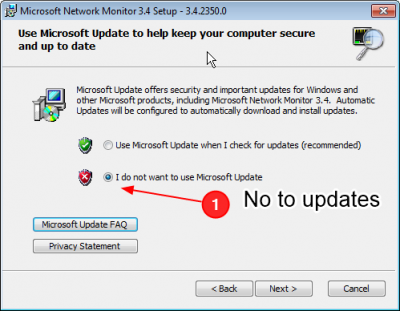
No updates
.png)
- Say no to updates
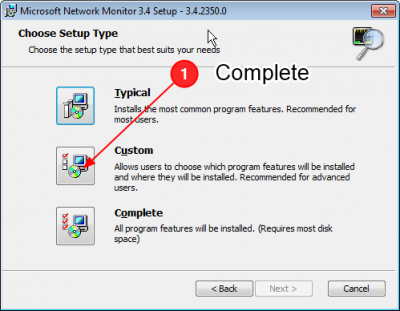
Select Complete Install
.png)
- Press the Complete button
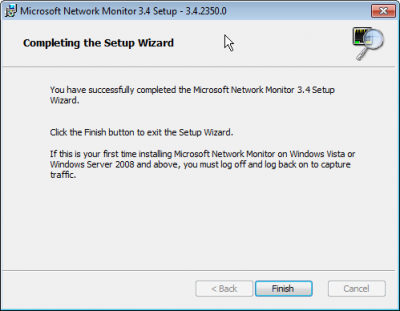
.png)
.png)
.png)
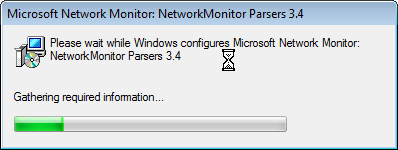
Parser will install
.png)
- As a separate installer, the parsers will isntall
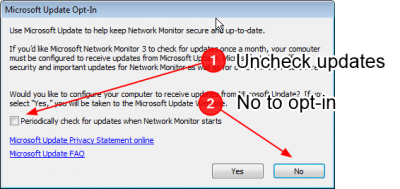
Opt out of updates
.png)
- We have no Internet, so updates are no useful
- You may be prompted with this again the first time you run it