Multipoint Manager
Jump to navigation
Jump to search
Multipoint manger and Vspace manager
These tools give instructors complete control of a classrooom
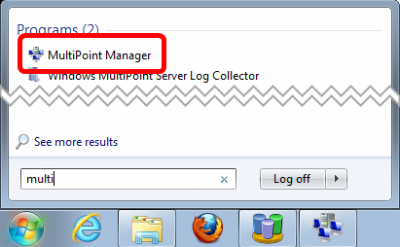
Starting Multipoint Manager
.png)
- Search for Mulit in the start menu and you should find it right away.
- If you are not logged in as Administrator, then you will need to supply the administrator password when you start it.
Notable features of the Desktops tab
- View live thumbnails of the user desktops
- See realtime process lists
- Launch or kill applications int he user sessions
- Block one or more stations to get the classroom's attention
.png)
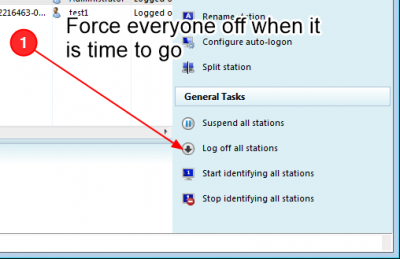
Log everybody off when it is time to go
.png)
- Use the Log off all stations on the stations tab
Remote control or collaborate with a student
- Launch the vSpace Management Console from the Ncomputing tab of the multipoint manager
.png)