Microsoft Security Essentials
Jump to navigation
Jump to search
| Download Site | http://windows.microsoft.com/en-us/windows/security-essentials-all-versions |
| Offline Definition Updates | http://www.microsoft.com/security/portal/definitions/adl.aspx |
| License | Microsoft Security Essentials License |
| Installer | mseintaller.exe
|
Install Microsoft Security Essentials
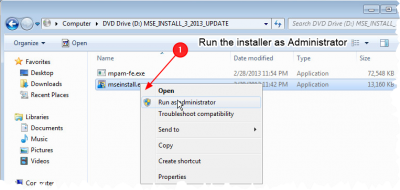
Start the installer
.png)
- Run the installer as administrator
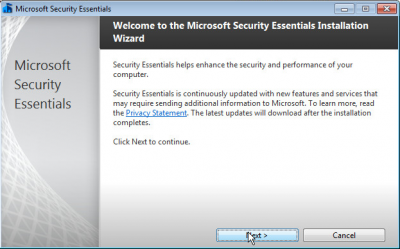
Step through the installer screens
.png)
- Nothing really notable to document
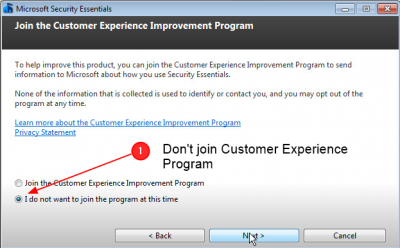
Opt out of the customer experience program
.png)
- When you get to this screen, choose I don't want to join the program
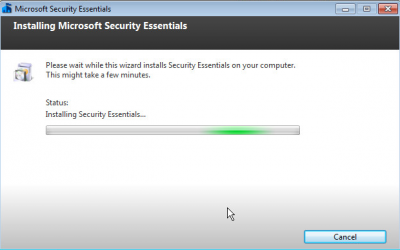
Wait for installer ot compelte
.png)
- Just waiting....
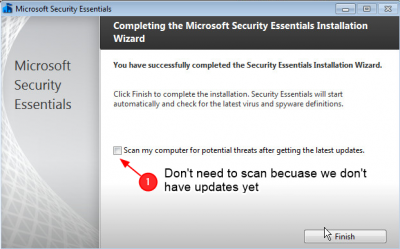
Skip the scan after finished
.png)
- The virus defintions are out of date, so don't bother scanning now
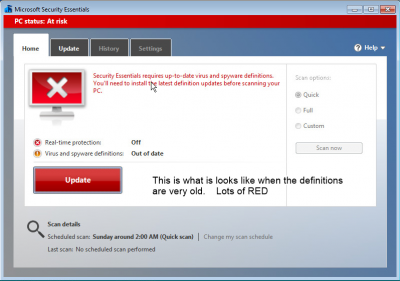
Observe that the definitions need updating
.png)
- When the definitions are out of date, the whole client User interface turns an alarming shade of read.
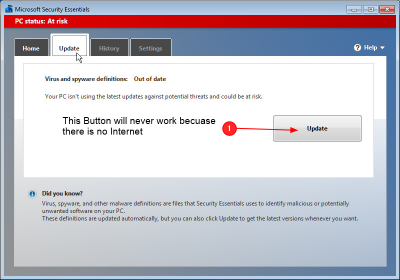
Observe that the update button does nothing
- Since we have no Internet, the update button on the update tab will do nothing
.png)
Perform an Offline Update of Microsoft Security Essentials
Download the latest definitions
.png)

This step must be performed outside the lab, of course
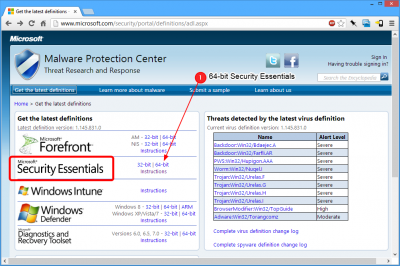
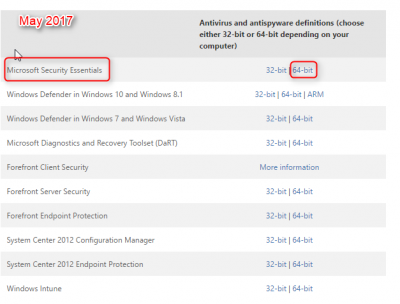
- Visit http://www.microsoft.com/security/portal/definitions/adl.aspx
- Download the latest definitions for Security Essentials 64-bit
- Bring the new definitions to the lab on a flash drive
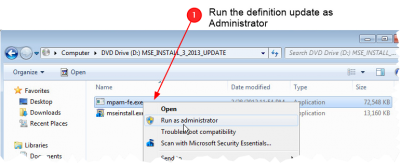
Run the Definition update as Administrator
.png)
- Browse tot he location of the update
- Right-click on file, probably called mpam-fe.exe
- Select Run as Administrator
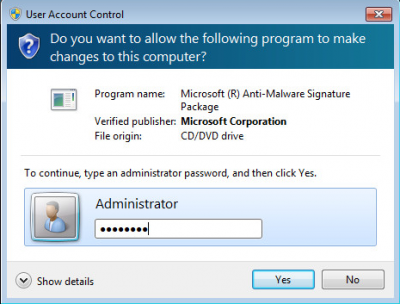
Enter the admin Password
.png)
- Enter the Administrator Password
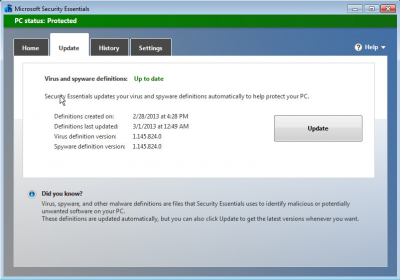
Open the Client, verify update
.png)
- On the Update tab of the Security Essentials client, the date of the new updates should be shown
More verification
.png)
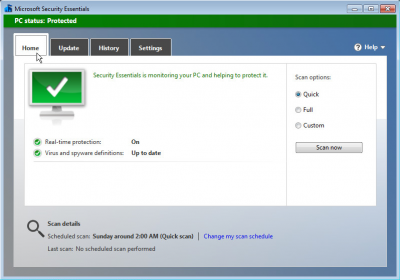
- Also on the main page it should say Up to date
Configure Micosoft Security Essentials
Scheduled scans
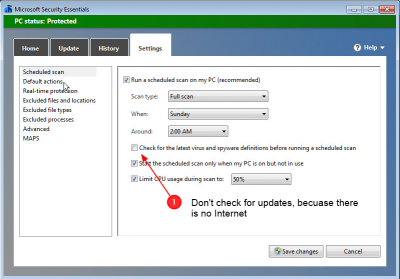
.png)
- Open the settings tab
- Select the Scheduled scans page
- Unselect Check for latest virus updates
- Verify a daily scan is scheduled
Verify Real time protection
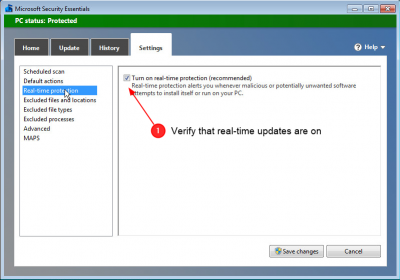
.png)
- Select the Real-time protection page
- Verify real-time scanning is on
Select Removable drives
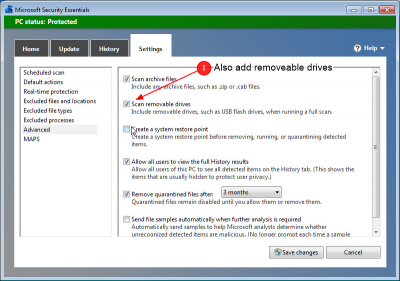
.png)
- Select the Advanced page
- Select Scan removeable drives. It is not selected by default
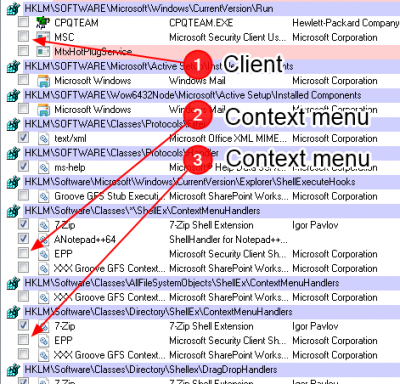
Use Autoruns to remove the Client app and explorer extension
See Autoruns
Remove Microsoft Security Client User Interface

msseces.exeis inHKLM\Software\Microsoft\Windows\CurrentVersion\Run- This is a 40MB app we don't need duplicated for each user.
- If a user wants to open it they can run it from the start menu
- The service is always running, and the user need not be bothered with it
- Also as soon as the defnitions expire, it will just look alarming in red
Remove the Explorer extension
- We don't want to distract the user with a very large contect menu item on every file on the disks
HKLM\Software\Classes\Directory\ShellEx\ContextMenuHandlersHKLM\Software\Classes\*\ShellEx\ContextMenuHandlers