Invent with Python
Jump to navigation
Jump to search


Summary

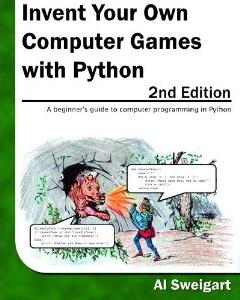
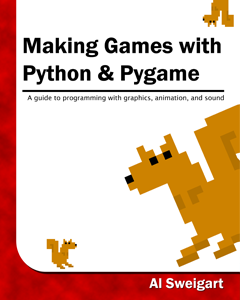
Invent with python is a series of books by Al Sweigart that demonstrates python programming in the context of preparing simple games.

| License: | Creative Commons Attribution-ShareAlike 3.0 Unported License |
| Website | http://inventwithpython.com/ |
| Book Download | http://inventwithpython.com/IYOCGwP_book1.pdf |
| Resources download | http://inventwithpython.com/inventwithpython_src.zip |

| License: | Creative Commons Attribution-ShareAlike 3.0 Unported License |
| Website | http://inventwithpython.com/ |
| Book Download | http://inventwithpython.com/makinggames.pdf |
| Resources downloads | http://inventwithpython.com/makinggames_src.zip |
Pygame

Python library to facilitate exercises for the above books
Must install 32-bit python 2.7 version
| License | GNU LGPL License |
| Website | http://www.pygame.org/ |
| Download | http://pygame.org/ftp/pygame-1.9.1.win32-py2.7.msi |
Installation
Copy the Books and resources to the Public folder
- Download the PDF books and place them in 'C:\Users\Public\Documents\Invent with Python'
- Rename the PDF files to match the book titles
- Download the Zip files of the resources
- Create directories next to the PDF files that match the book titles
- Extract the zip files to the respective directories
- 4 Change permissions on the 'C:\Users\Public\Documents\Invent with Python' and its sub-directories to DENY write access to Students. Be sure to remove the permissions for the INTERACTIVE group
The folder structure should look something like this:
C:\Users\Public\Documents\Invent with Python\
    Invent Your own Computer games with Python.pdf
    Invent Your own Computer games with Python\
       <resource files>
    Making Games with Python and Pygame.pdf
    Making Games with Python and Pygame\
       <resource files>
Install Pygame
- Just run the installer. Follow the wizard prompts. It should automatically identify the "python27 from registry"