ILO Firmware Upgrade
Jump to navigation
Jump to search
Goals
Update the iLO firmware
Make sure we have the latest features and security patches.
Procedures
.png)
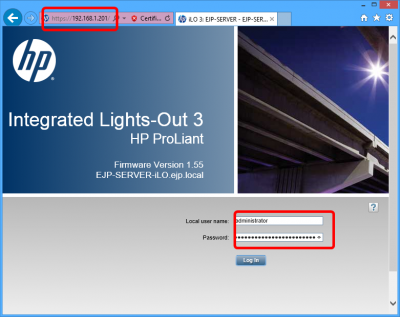
- Configure a separate computer with IP settings to be able to conenct to the server
- Namely an IP in the 192.168.1.0 range
- Navigate to the server's iLO address in a web browser
- Enter the username administrator and the password
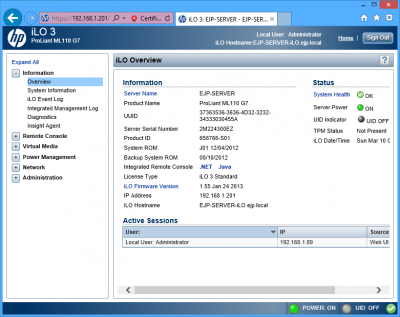
Observe the main iLO page
.png)
- Now you should see the main iLO interface
- You can explore it later... lets move on
.png)
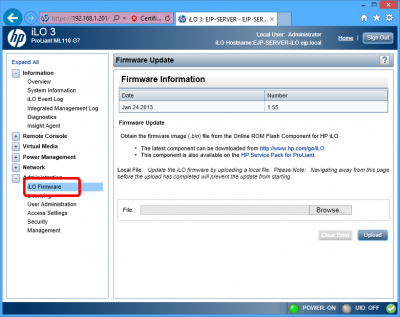
- On the left there should be a link pointing to Firmware upgrade
- Click on Browse on the firmware page to locate the update file
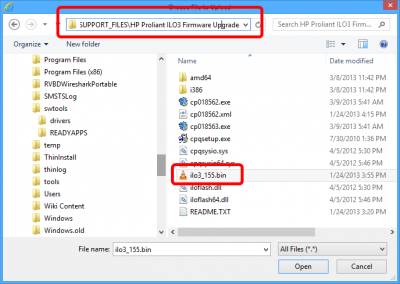
Select the update
.png)
- At the time of this writing the filename is ilo3_55.bin
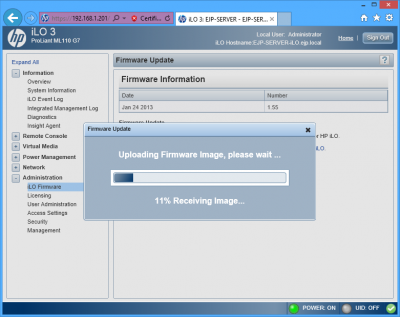
Wait for the upload
.png)
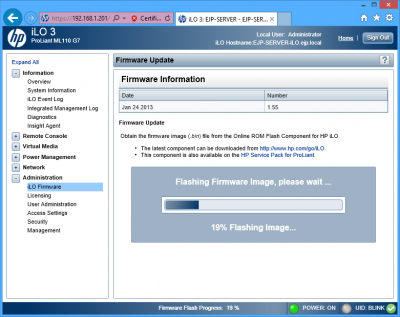
Wait for the flash to complete
.png)
- iLO will restart after the update.
- Note that the iLO is seprate from the server itself. The power state of the server will not change.